
How to Search Montgomery County Court Records
The Circuit Court Clerk offers a free web inquiry service for civil, criminal, and traffic cases. Start at the clerk's online court records page, which explains the coverage dates and then sends you to the Montgomery County Online Court Records System. Criminal and traffic cases reach back to November 1, 1999. Civil cases reach back to May 1, 2006. To open a full record, you log in with the public username and password the clerk posts on the records page.
Before you start, have a full first and last name ready, or a case year and case number. Short or partial names return too many rows, and the portal caps any search at 2,500 results.
The county records page lists the coverage dates and the login notice.
The image below is the clerk's online court records page.
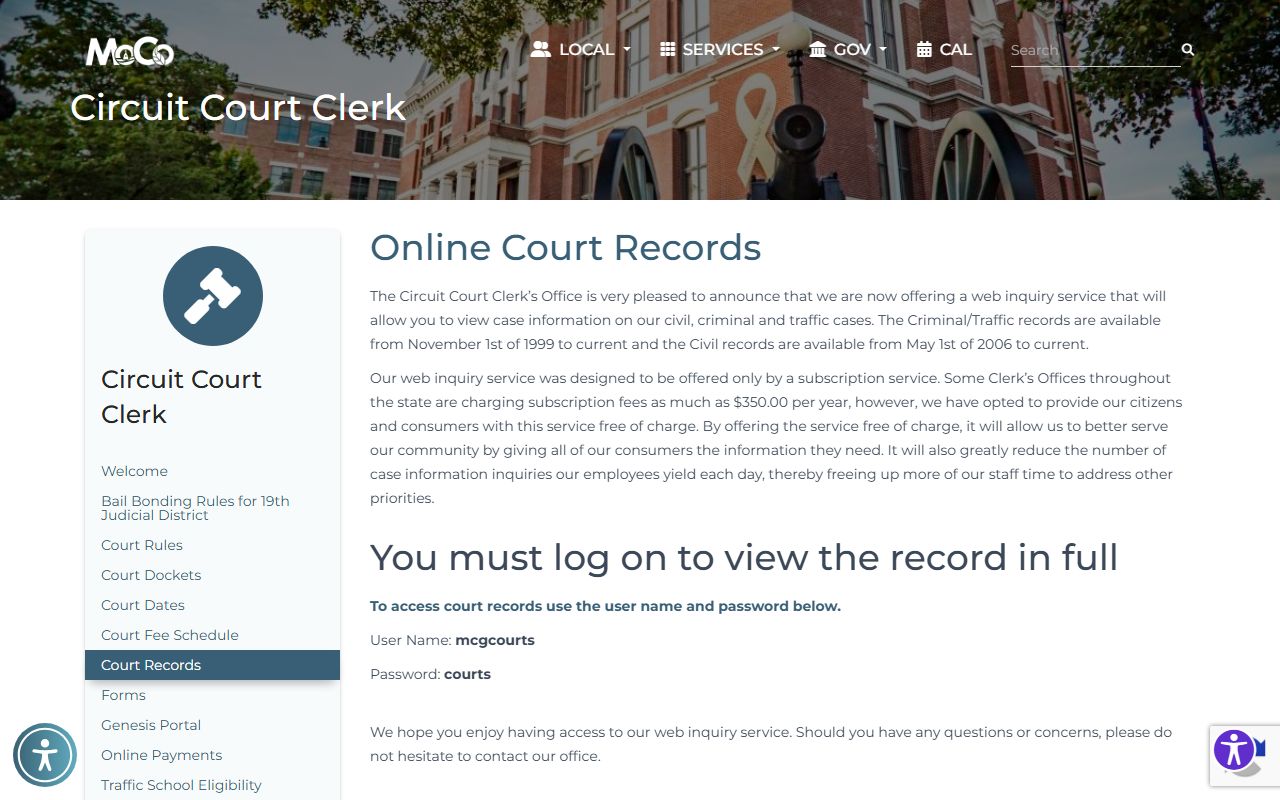
It states the service is free and shows where to log in for the full Montgomery County court record.
- Open the Circuit Court Clerk's court records page and read the coverage dates.
- Launch the Montgomery County Online Court Records System.
- Enter a party name, or a case year and case number.
- Pick the Court Type and Case Type, then check the box to enable the search.
- Log in with the public credentials to view the full record, and contact the clerk for older files.
Montgomery County Court Records Search Fields
The case search form uses a small set of fields, and a few rules make a big difference. You can type a name or a case reference in the Party Name box, but not both at once. Court Office is required no matter what else you enter. The system has built-in typo tolerance, so a small spelling slip on a long name still works, though short words like "Jon" will not match "John."
The case search form below shows each field in order.
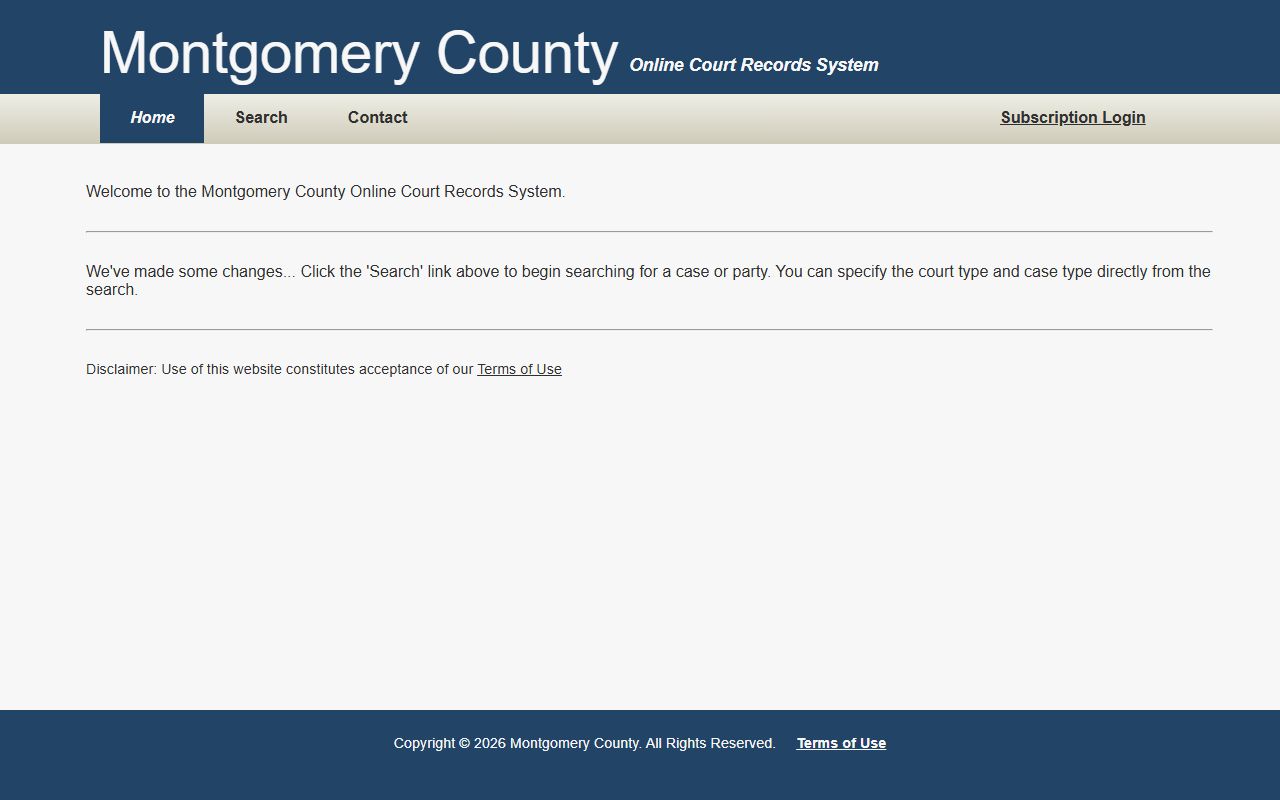
From this landing page, the case search form opens with the fields described in the table.
| Field Label | Type | Required | Notes / Format |
|---|---|---|---|
| Party Name | Text | No | Enter a name or a case reference, not both. Full first and last name works best. |
| Match all search terms | Checkbox | No | When checked, the search needs all terms; it drops terms if results are thin. |
| Case Year | Text | No | Usually the year the case was first filed. |
| Case Number | Text | No | For a number like 99GS1-2023-CR-12345, enter only the last part (12345). |
| Court Type | Dropdown | Yes | Circuit Court or General Sessions. |
| Case Type | Dropdown | Yes | Criminal or Civil. |
| Search enable box | Checkbox | Yes | Must be checked to run the search. |
After results load, a Filter textbox matches text across every visible column in real time, and column headers sort with a click.
A few search rules are worth knowing. The system reads only the first ten words of a name or case reference query. You can wrap a phrase in double quotes, and phrase searches ignore soft separators like hyphens, commas, and colons. Typo tolerance allows one error for terms of five or more characters, and up to two errors for terms of at least nine characters. These rules let you find a long last name even if a letter is off, which many other court sites do not support.
Types of Montgomery County Court Records
The county portal carries several record types, and each ties to a court. Civil records cover complaints, motions, judgments, garnishments, and name-change petitions. Criminal records cover charging papers, plea forms, probation orders, and expungement orders. Traffic records cover citations, fines, and traffic school forms handled through General Sessions.
Family and probate records take a different path. Divorces are filed with the Clerk and Master, and probate forms also run through that office under Chancery Court.
- Civil records from May 1, 2006 to current in the online portal.
- Criminal and traffic records from November 1, 1999 to current.
- Divorce and probate files held by the Clerk and Master.
- Juvenile records kept by the Circuit Court Clerk but closed to the general public.
For criminal case detail, see the arrest records page, and for traffic citations see the traffic court records page.
What Montgomery County Court Records Show
A Montgomery County court record pulls together the parties, the filing data, and the docket. The portal lists cases by number and party, and a full login shows the docket entries, hearings, and any financial data such as fines, court costs, or bond type. Case numbers follow a format like 99GS1-2023-CR-12345.
| Field | What It Shows |
|---|---|
| Case Number | The file ID; enter only the final numeric part in the portal. |
| Filing Date | The year and date the case opened. |
| Parties | Plaintiff, defendant, petitioner, or respondent. |
| Docket Entries | Motions, notices, hearings, orders, and continuances. |
| Disposition | The outcome, such as a plea, dismissal, or judgment. |
A charge is not a conviction. The disposition is the field that tells you how the case actually ended.
A full case detail page can also show the assigned judge, the attorneys, scheduled court dates, and links to filed documents where the clerk has loaded them. The public search page exposes the search fields and help text, but you need to log in with the clerk's public credentials to read the docket in full. For records before the online coverage dates, the clerk's staff can pull the paper or archived file by hand.
Public Access Framework for Montgomery County Court Records
Tennessee opens court records to the public unless a law or court order closes them. The base rule comes from the Tennessee Public Records Act at Tennessee Code § 10-7-503. For court files, the Tennessee Supreme Court adopted Rule 34, which lets the public inspect court records subject to listed exceptions.
Anyone can use the free online search. To get certified copies or older files, contact the Circuit Court Clerk during public hours. The clerk's authority comes from Tennessee Code § 18-1-105 and § 18-1-108.
Note: The online search is free, but certified copies and staff record searches at the counter may carry a fee set by the clerk's office.
Records That Are Sealed or Confidential in Montgomery County
Some files stay closed. Sealed records, juvenile records, adoption records, and many mental health filings are confidential under Tennessee Code § 10-7-504 and Rule 34. Personal identifiers such as Social Security numbers and financial account data are redacted. Once a record is expunged under Tennessee Code § 40-32-101, it leaves the public database.
To view a sealed record, you usually must be a party or hold a court order. File the request in the court that holds the case, and ask the clerk which motion fits. Grand jury material and law enforcement investigative files are treated separately from ordinary public court records.
In-Person Court Record Requests
If a file is too old for the portal or you need a certified copy, visit the Circuit Court Clerk at the Courts Complex. Bring the case number if you have it, plus a photo ID. Public hours run Monday through Friday, 8:00 a.m. to 4:30 p.m.
Circuit Court Clerk
2 Millennium Plaza, Suite 115
Clarksville, TN 37040
931-648-5700
Mon-Fri, 8:00 a.m.-4:30 p.m.