
Montgomery County Jail Roster Overview
The Montgomery County jail roster is a free online list of people held at the county jail. The Sheriff's Office runs it through a public inquiry system, alongside the booking log and warrant search. A Montgomery County inmate search takes a name and returns possible matches with a last-record-update timestamp. The Sheriff's Office stresses that results may vary and that any match must be confirmed with the inmate division.
The roster is a snapshot, not a full jail file. The public results in the inspected view showed last, first, and middle name only. They did not show a mugshot, booking number, charges, bond, housing, or court dates. For those details, you call the jail.
The roster search form is simple and name-based.
The screenshot below is the MCSO inmate roster search form.
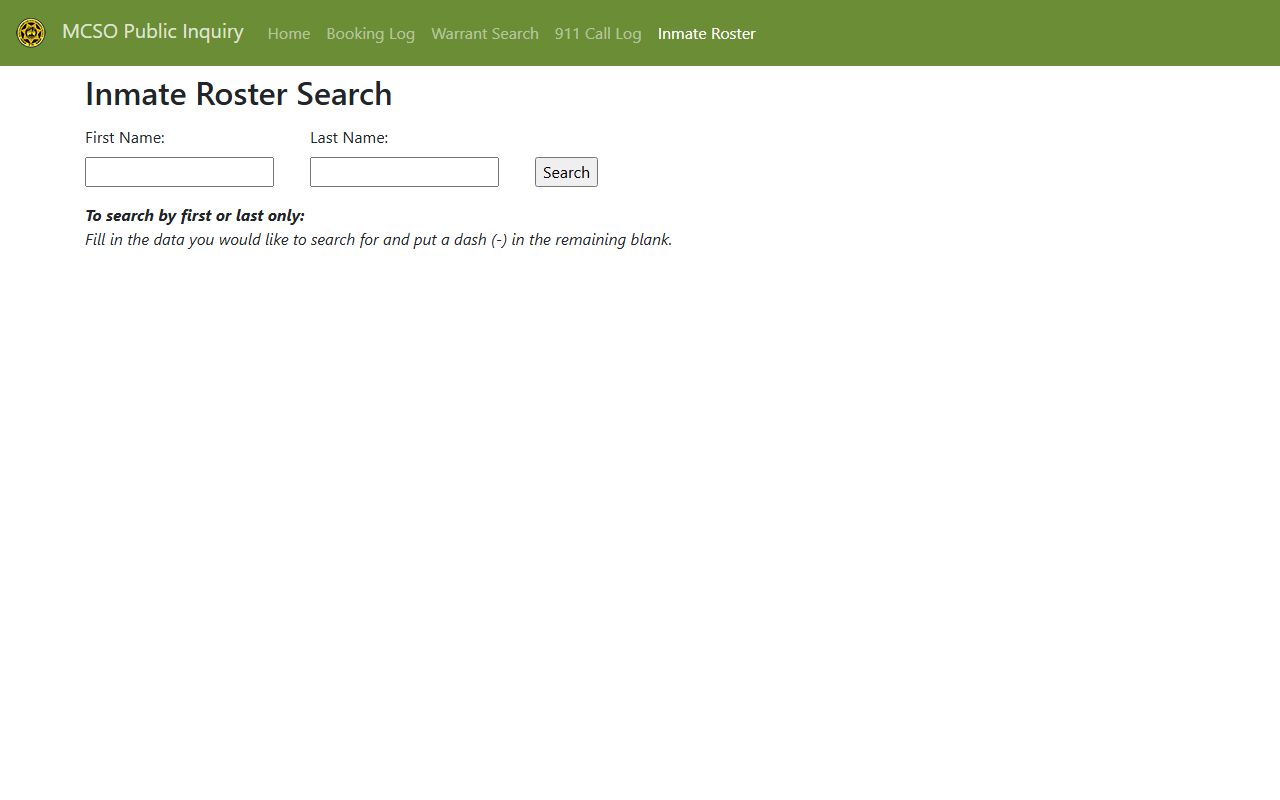
It is the official starting point for a Montgomery County inmate records lookup. The same public inquiry system also hosts the booking log and the warrant search, so one site answers several custody questions.
How to Use the Montgomery County Inmate Roster
The roster works best with a full name, but you can search one name at a time using the dash rule. The system is matched against live booking data, so the result reflects recent activity at the jail.
- Open the MCSO inmate roster search page.
- Enter a first and last name for the tightest match.
- To search by one name, put a dash in the blank field.
- Read the results and note the last-record-update time.
- Call the inmate division at 931-648-0611 to confirm custody and details.
The Sheriff's jail and inmate services page links the roster along with mail, visitation, phone, and commissary tools.
This image is the official jail and inmate services page.
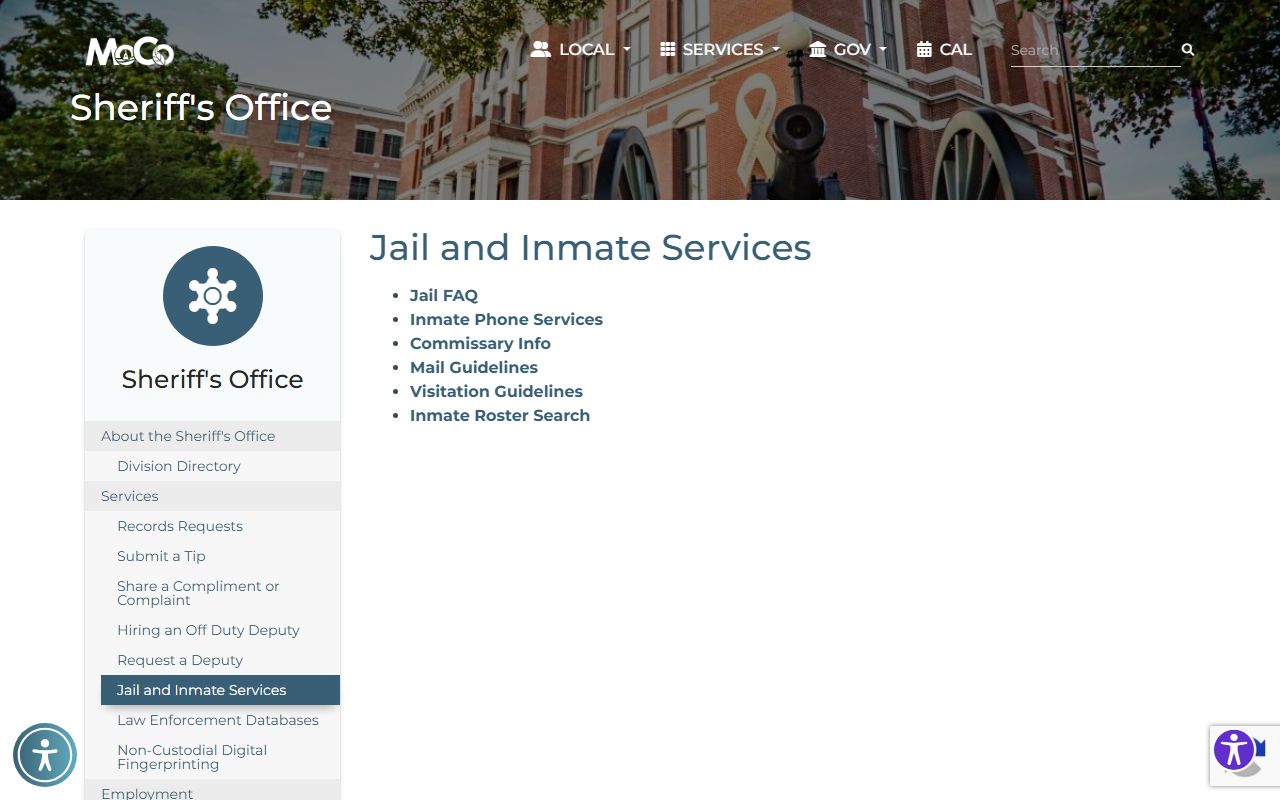
From here, families reach the roster, mail rules, visitation, and deposit options in one place.
Roster Search Fields
The roster form is short. Two name fields and a search button are all it offers, which keeps the lookup quick.
| Field Label | Type | Required | Notes / Format |
|---|---|---|---|
| First Name | Text | One name needed | Put a dash here to search by last name only. |
| Last Name | Text | One name needed | Same dash rule applies in reverse. |
| Search | Button | n/a | Submits the name search. |
What an Inmate Profile Shows
The public roster keeps it to names and a timestamp. That is by design, and it is why confirmation by phone matters. The table below lists what the inspected public result actually showed.
| Field | What It Shows |
|---|---|
| Last Name | The inmate's last name. |
| First Name | The inmate's first name. |
| Middle Name | The inmate's middle name, if listed. |
| Last Record Update | The date and time the roster data was refreshed. |
The sample result below shows the columns returned by a last-name search.
This image is an inspected roster result view.
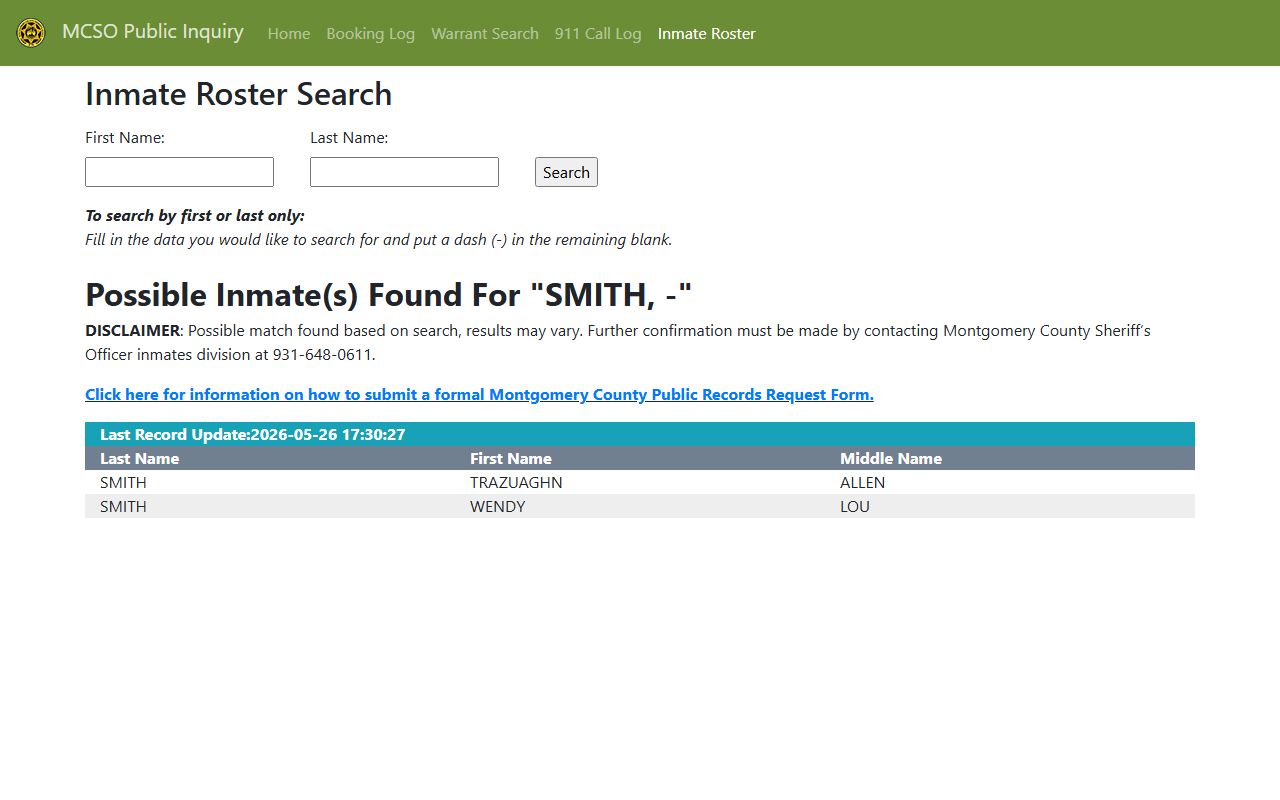
It confirms that charges, bond, and housing are not part of the public Montgomery County inmate records list.
So what do you do with a confirmed name? Call the inmate division and ask the questions the roster cannot answer: the booking date, the charges, the bond amount, and whether the person is still in custody. Staff can also tell you which court the case is headed to, which helps you follow it on the court side. Keep the spelling exactly as it appears on the roster when you call, since that is how the jail's system stores it.
Montgomery County Jail Facilities
The Sheriff's Office runs the county jail downtown, with intake and the inmate division reachable on the main line. Jail FAQ directions end at 116 Commerce Street for the jail itself. The county also operates a workhouse for certain sentenced inmates.
Montgomery County Sheriff's Office / Jail
120 Commerce Street
Clarksville, TN 37040
931-648-0611
Montgomery County Workhouse
Clarksville, TN 37040
931-648-0611
Sentenced-inmate facility
Jail medical, dental, and mental health care is contracted to a health partner, with nurses on duty 24 hours a day, seven days a week. The jail administrator can be reached through the Sheriff's Office, and the jail FAQ answers many common questions about intake, bonding, and what an inmate may keep.
The county's incarcerated population data, including how the jail and workhouse counts are reported, is covered on the jail population page. That page is the better source for capacity and trend questions, while this page focuses on finding and reaching a specific person.
Booking Process in Montgomery County
Booking is the intake step. A person is processed, charged, and either held or released on bond. The jail FAQ lists three bond paths. A corporate bond goes through a bondsman. A cash bond is paid in full. A property bond needs two people with two separate pieces of property to bring proof, such as a deed or tax paperwork, to the clerk's office.
Inmates cannot have outside items brought to them. The jail issues clothing, socks, and underwear. Any medication from home must be in the original prescription bottle with the inmate's name and only for that prescription.
The property bond route trips people up most often. It is not enough to own property; the FAQ calls for two people with two separate pieces of property and proof of ownership at the clerk's office. If you plan to bond someone out, call ahead to learn which path fits and what paperwork to bring, because a wasted trip downtown costs time the inmate may not have.
After booking, a first court appearance is set, often in General Sessions for the early stages of a criminal case. The booking date and the case number are the two facts that carry you from the jail roster into the court system.
Visitation Hours and Rules
Montgomery County uses CorrectPay for video visits, tablets, and messaging. Visits are a privilege, not a right, and everyone must be on the inmate's approved visitor list with a scheduled visit. The rules below come from the official visitation guidelines.
| Topic | Rule |
|---|---|
| Visit limit | Two visits per week, 30 minutes each. |
| Visitors per visit | Maximum of three, including children. |
| Scheduling | Every visitor needs a scheduled visit and completed form. |
| Identification | Adults need a photo ID; minors need a parent or guardian. |
| Devices | No cell phones or electronic devices allowed. |
| Eligibility | Recent felons or recently incarcerated people may not visit. |
The visitation page also lists a dress code and a rule that missing three visits in 30 days can suspend the privilege. The dress code bars sleeveless and revealing clothing, and conduct rules prohibit yelling, obscene gestures, and speaking to other inmates. Minors under 18 must come with a parent or legal guardian and proof of custody, such as a birth certificate.
This image is the official visitation guidelines page.
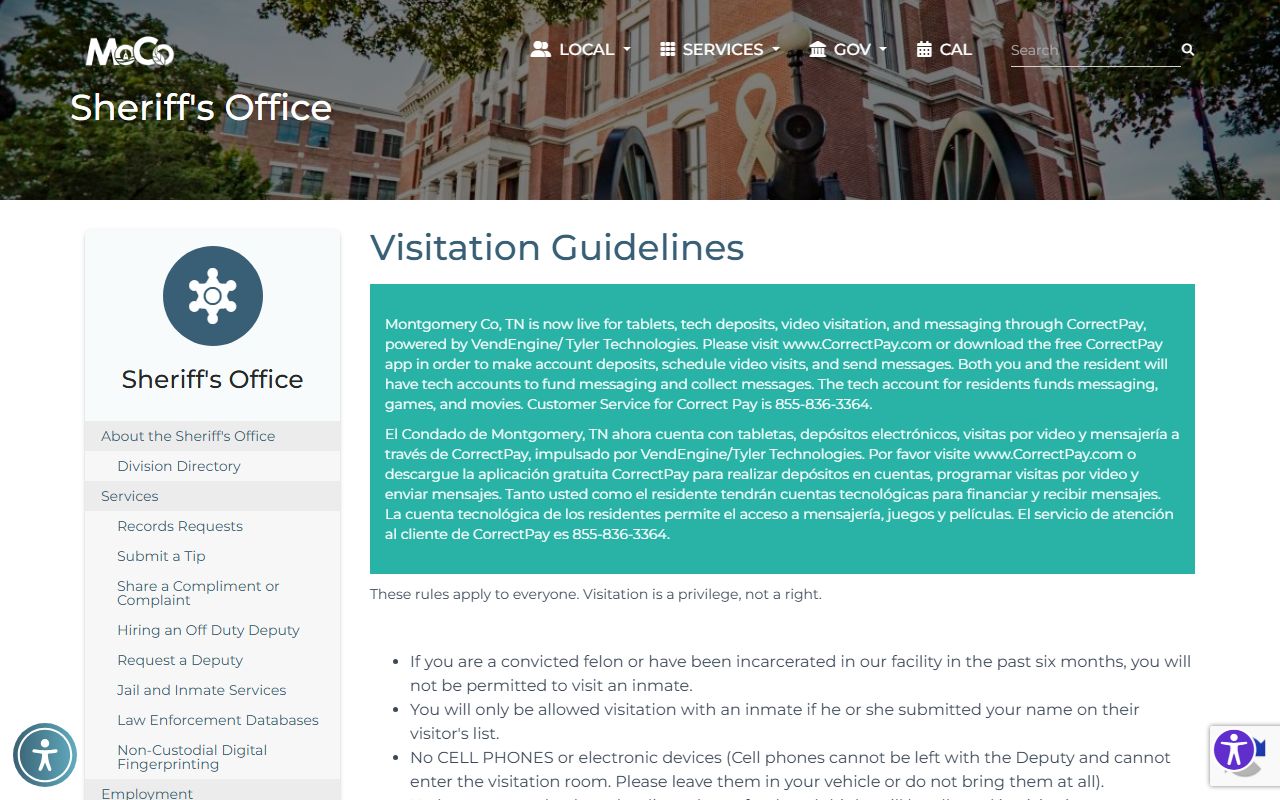
It includes CorrectPay video visitation steps and the full conduct rules.
How to Contact an Inmate
Mail and phone both run through set systems. Starting August 8, personal mail must be sent offsite, scanned, and delivered to inmate tablets, so letters are not handed to the jail directly. Legal mail still comes in under current practice. Personal mail uses the inmate's name and offender ID with the offsite scanning address.
The jail bans many mail items, including money, blank paper, stamps, envelopes, stickers, tape, glitter, magazines, and clippings. Inmate-to-inmate mail and sexually explicit writing are also banned. For calls, family can fund an inmate phone account online, by app, by phone, or at a kiosk in the Sheriff's Office lobby. Phone accounts and call blocking are handled by the phone vendor's customer service line.
This image is the official mail guidelines page.
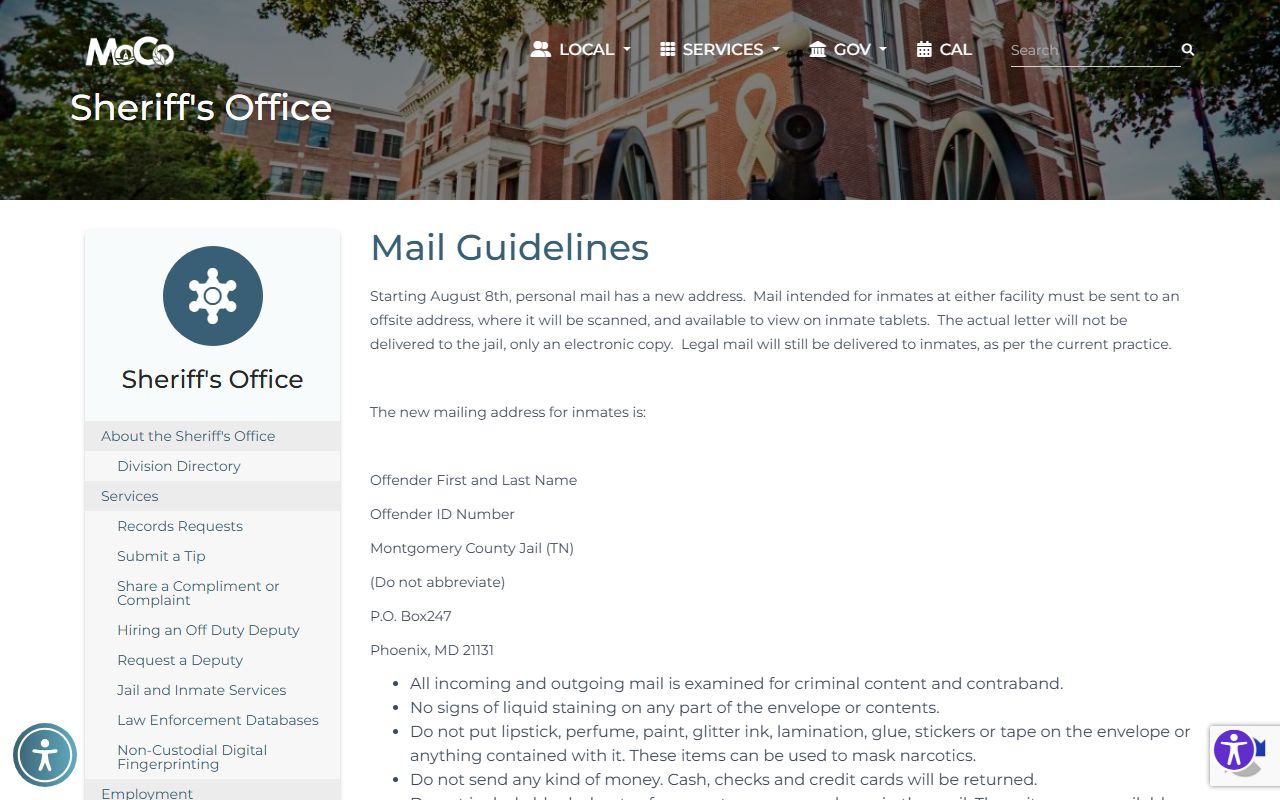
It shows the offsite scanning address and the full list of banned mail items.
Commissary and Inmate Funds
Money for commissary can be added online or by app at CorrectPay, by phone, or at a green kiosk in the Sheriff's Office lobby. Electronic deposit fee details are shown during the deposit, and the commissary office does not answer fee questions. Inmate phone deposits run through Correct Solutions by web, app, phone, or a blue kiosk in the lobby.
For release status and how funds are returned at release, the released inmates page covers the next steps.
A quick word on fees. The deposit screens show the electronic processing fee before you confirm a payment, so read it first. The commissary office does not set or refund those fees, and it cannot answer fee questions, so direct any billing issue to the payment vendor. Many county jail sections, including mail, visitation, phone, and commissary rules, are posted in both English and Spanish, which helps families across the Clarksville area use them.